Notes/The rooms
(Wall)
Markers
The wall of stills the nights leave behind
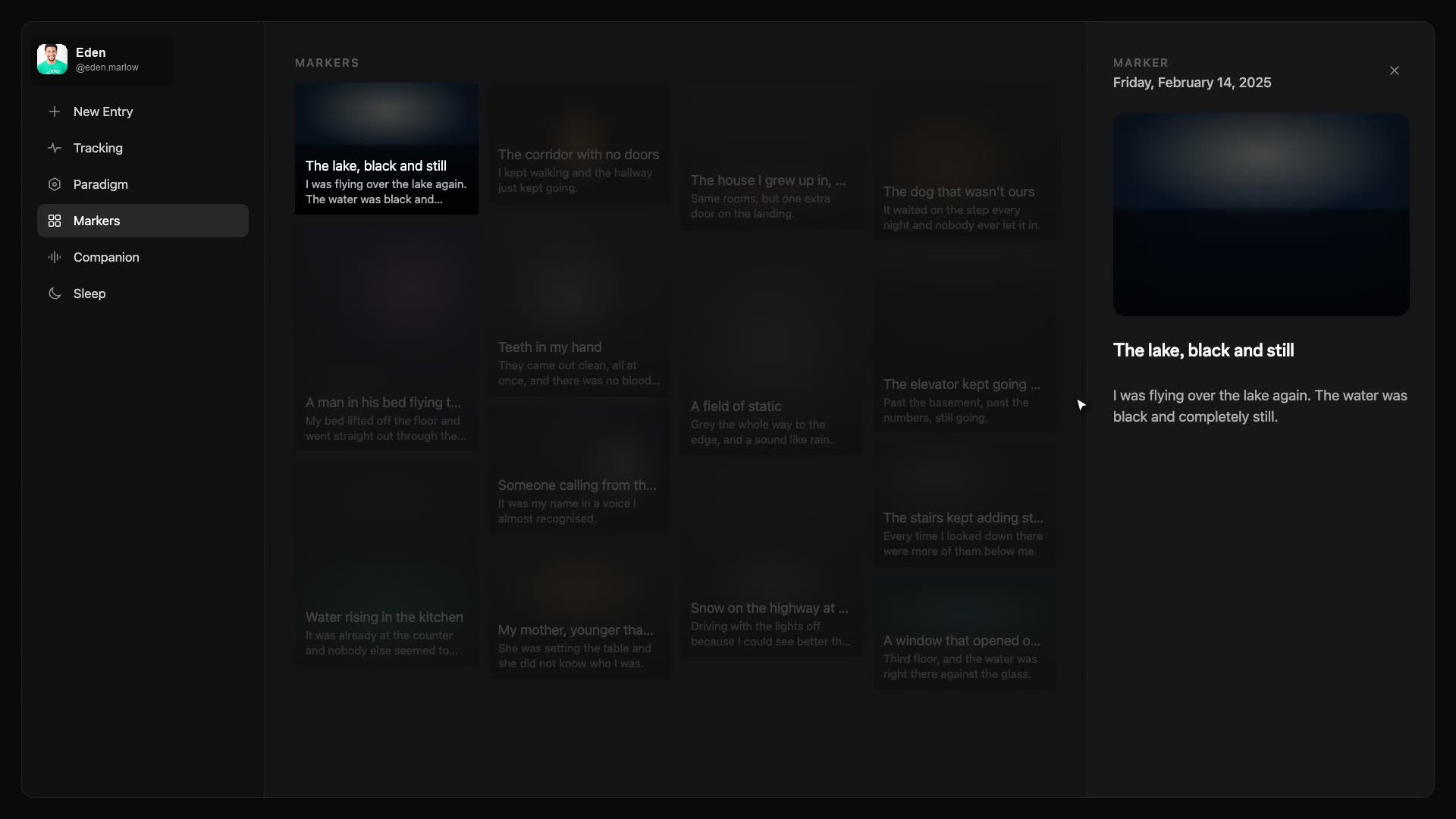
Markers is the wall of stills. Pictures from the nights — photos you brought, stills she made. They stack in columns, like a contact sheet of the house. You come here when you remember a room but not the journal title, when you want to see whether the kitchen has been the same kitchen, when you want to put a picture back on the table tonight.
Reading a still
Click a still and the right gutter opens. The still, larger. The date of the night. A title if it has one. A short reading if the night produced one. The journal it came from — click that and you are in the thread, scrolled to the place the picture lives. Close with the x, Escape, or a click on the empty wall.
Copy a still from the gutter (or the overlay on the wall) and paste into a new entry. The picture lands above the box, the same as if you had picked it from the gallery. Chat or Imagine, either way she has the picture. This is the difference between "that hallway I told you about" and actually putting the hallway on the table. Recurring places get more true when the still travels with you.
When the wall is empty
If you have only been typing, Markers has nothing to hang. Attach a photo on a night, or switch the composer to Imagine and ask for the room. The first still is enough to make the wall real. After that it grows whenever a night makes a picture. You do not file stills into folders here — they stay with the night they came from, and the wall is just every still in one place.
Use Markers the way you use a stack of polaroids on a desk. Flip through. Stop on the one that still has a charge. Open the night. Or say nothing, just look. The wall does not require a next step.